Back to Nano Banana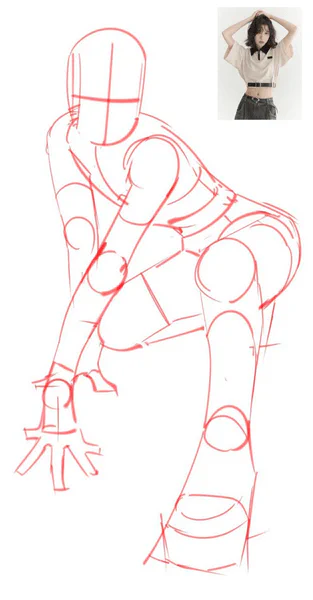
CASE 26
Generate image from line drawing
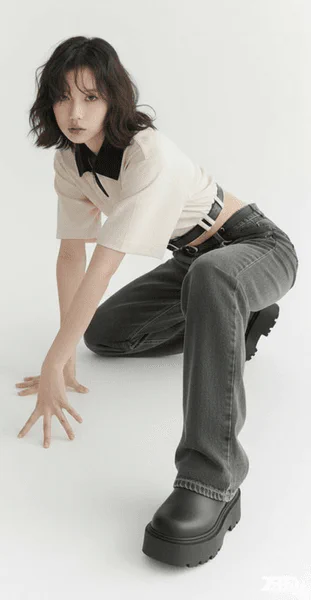
Change character poses from line drawings using reference images, shooting in professional studio settings with realistic lighting and composition.
Line Drawing
Studio Render
Upload Line Drawing
Drop line drawing here or click to browse
Black and white line art works best
Reference Image (Optional)
Add reference image for pose guidance
Optional but helps with accuracy
Complete AI Prompt
Change the pose of the person in Figure 1 to that of Figure 2, and shoot in a professional studio
Generated Studio Image
Your rendered studio image will appear here
Upload a line drawing and configure studio settings
Pro Tips
- • Use clean, high-contrast line drawings for best results
- • Reference images help guide pose and composition
- • Professional studio settings create realistic renders
- • Detailed character descriptions improve accuracy