Back to Nano Banana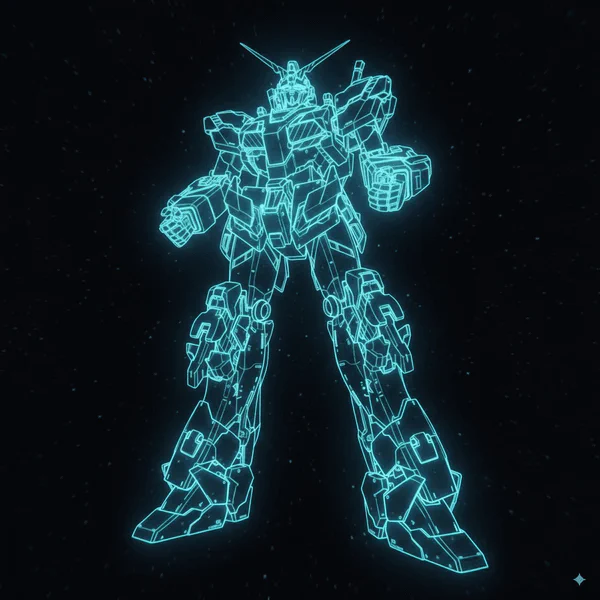
CASE 72
Component Extraction
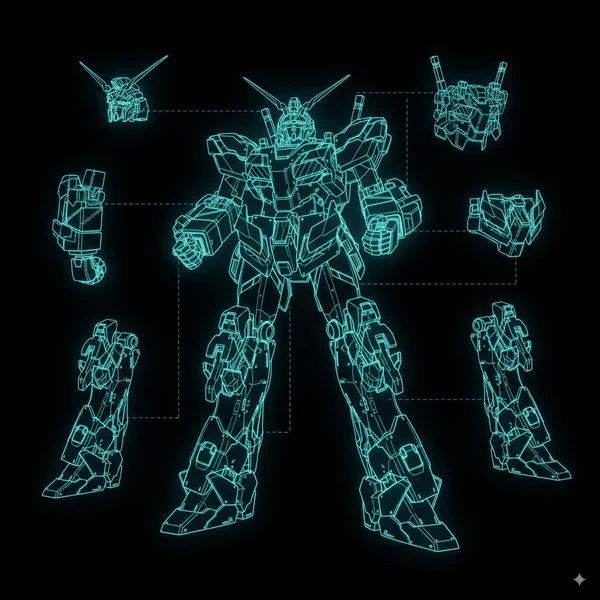
Cut out each component from model images and create model sheets that retain holographic effects, separating parts for technical documentation.
Original Model
Component Sheet
Upload Model Image
Upload a model or product image
Supports high-resolution images with clear components
Complete AI Prompt
Cut out each component and create a model sheet that retains the hologram.
Component Sheet
Your component sheet will appear here
Upload a model image and configure extraction parameters
Pro Tips
- • High contrast images work best for component separation
- • Clear boundaries between parts improve extraction accuracy
- • Holographic effects are preserved during extraction
- • Grid layouts provide better technical documentation