Become a Vtuber
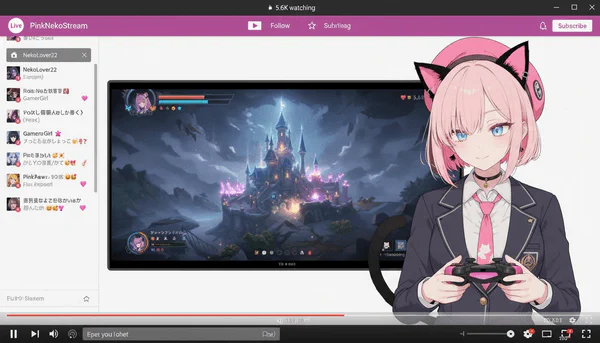
Create fictional Vtubers and their streaming screens using original images, with 2.5D-like character styling, game controllers, and streaming UI overlays.
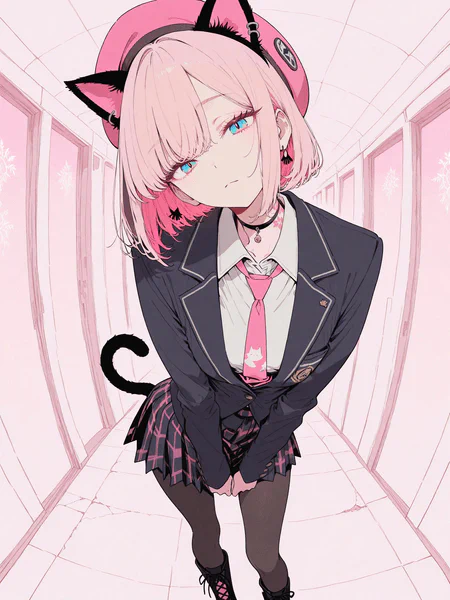
Upload Person Image
Upload a person image for Vtuber transformation
Supports JPG, PNG, GIF up to 10MB
Complete AI Prompt
Create a fictional Vtuber and their streaming screen using the original image. The Vtuber's hairstyle and clothing will be faithfully reproduced from the original image. The Vtuber image will be 2.5D-like, so it is not necessary to perfectly reproduce the style of the original image. A moderate sense of three-dimensionality is also necessary. The Vtuber's facial expression and pose may be changed from the original image. Have the Vtuber hold a game controller. Place only the Vtuber's upper body in the bottom right of the screen. Place the streaming screen of the game being played in the center of the screen. Place the chat screen on the left side of the screen. The screen ratio is set to a larger size for the game screen, and the upper half of the Vtuber's body is displayed smaller. The background of the original image is completely ignored, as well as the original image pose. Add a fictional streaming platform and browser UI to the top and bottom of the screen. The aspect ratio of the generated image is independent of that of the original image.
Generated Vtuber Stream Scene
Your generated Vtuber stream scene will appear here
Upload a person image and customize the Vtuber parameters
Pro Tips
- • Clear facial images work best for Vtuber character transformations
- • Anime 2.5D style creates authentic Vtuber appearances
- • Futuristic gaming overlays enhance the streaming atmosphere
- • Personality types influence character expressions and poses